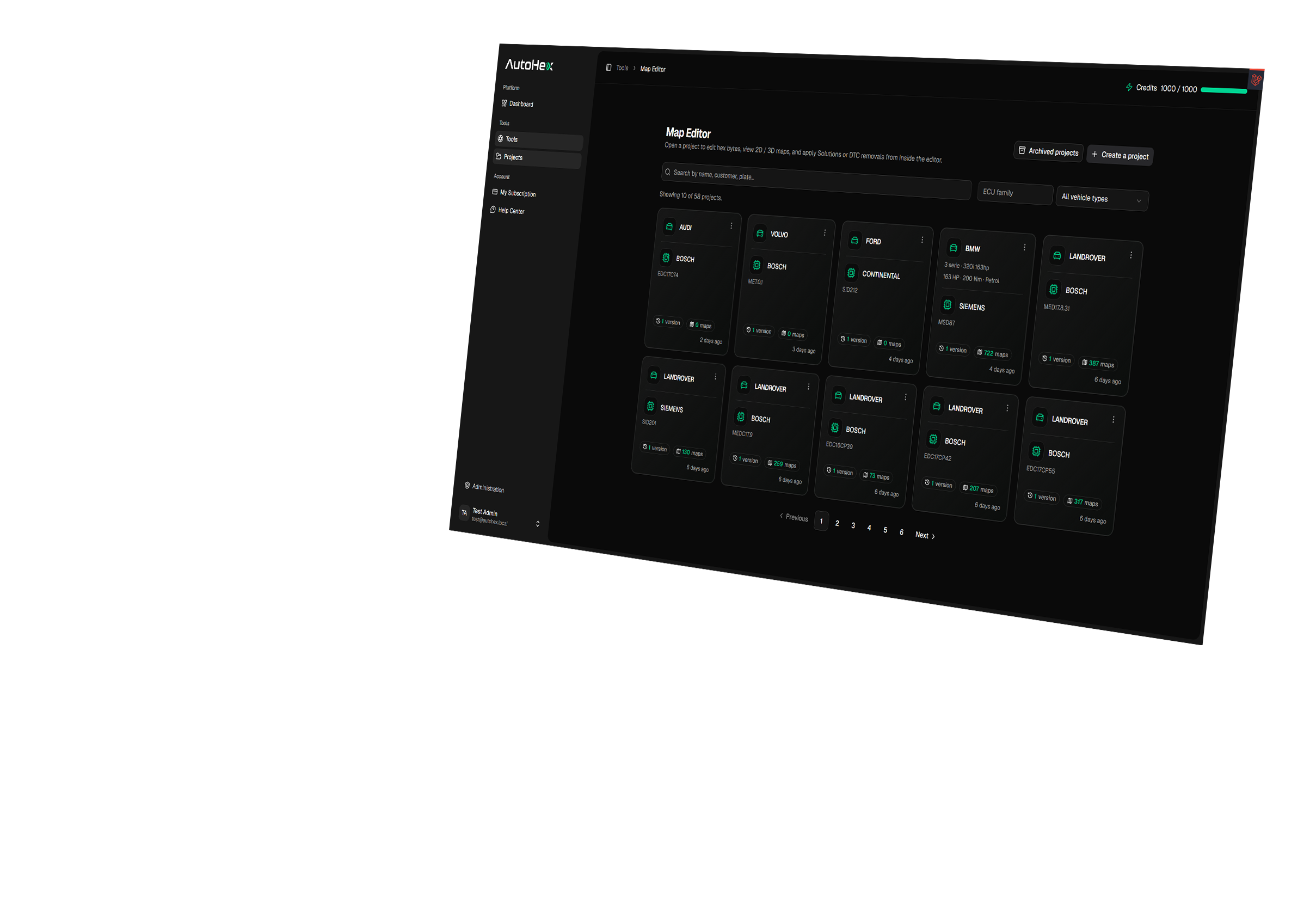
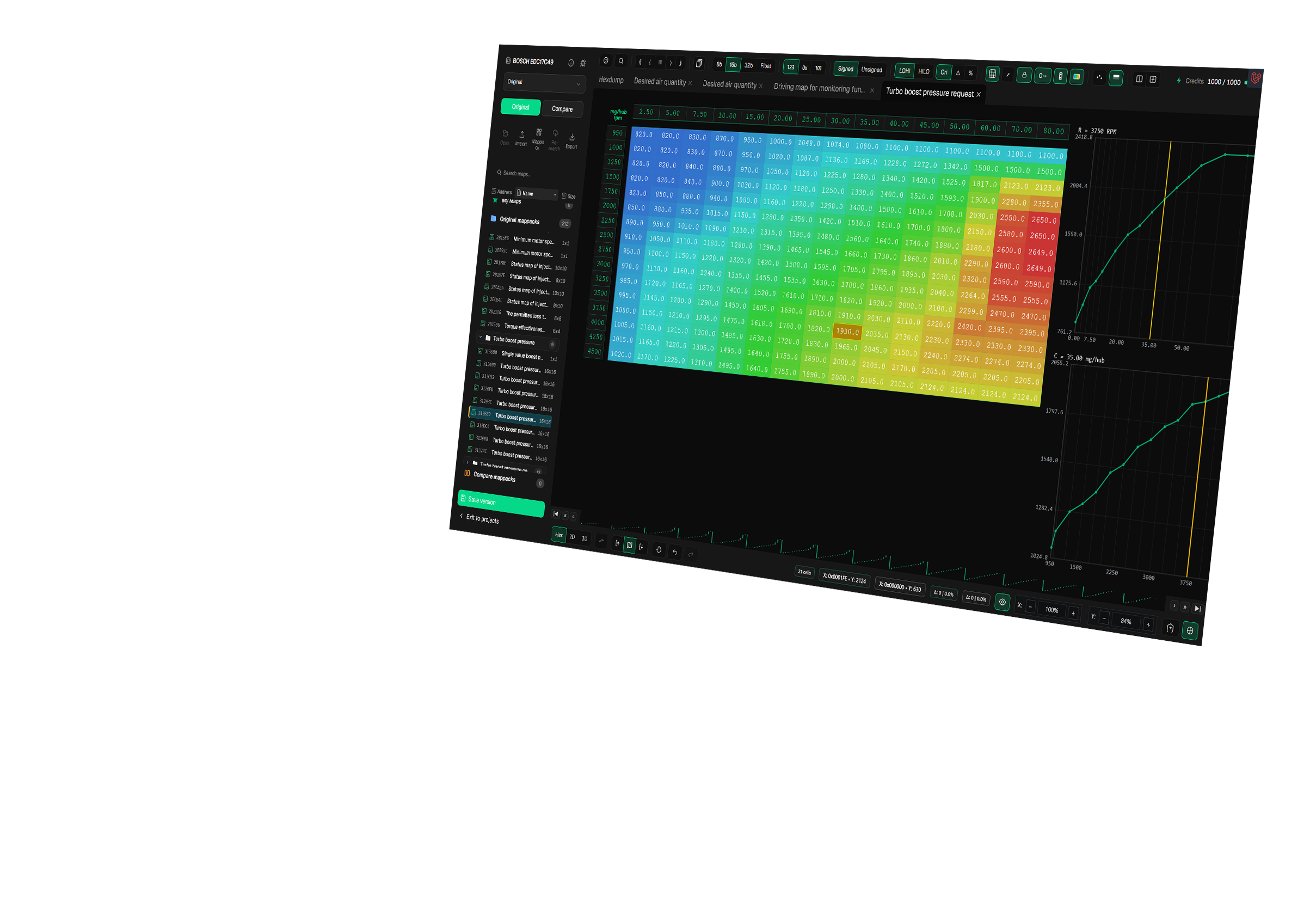
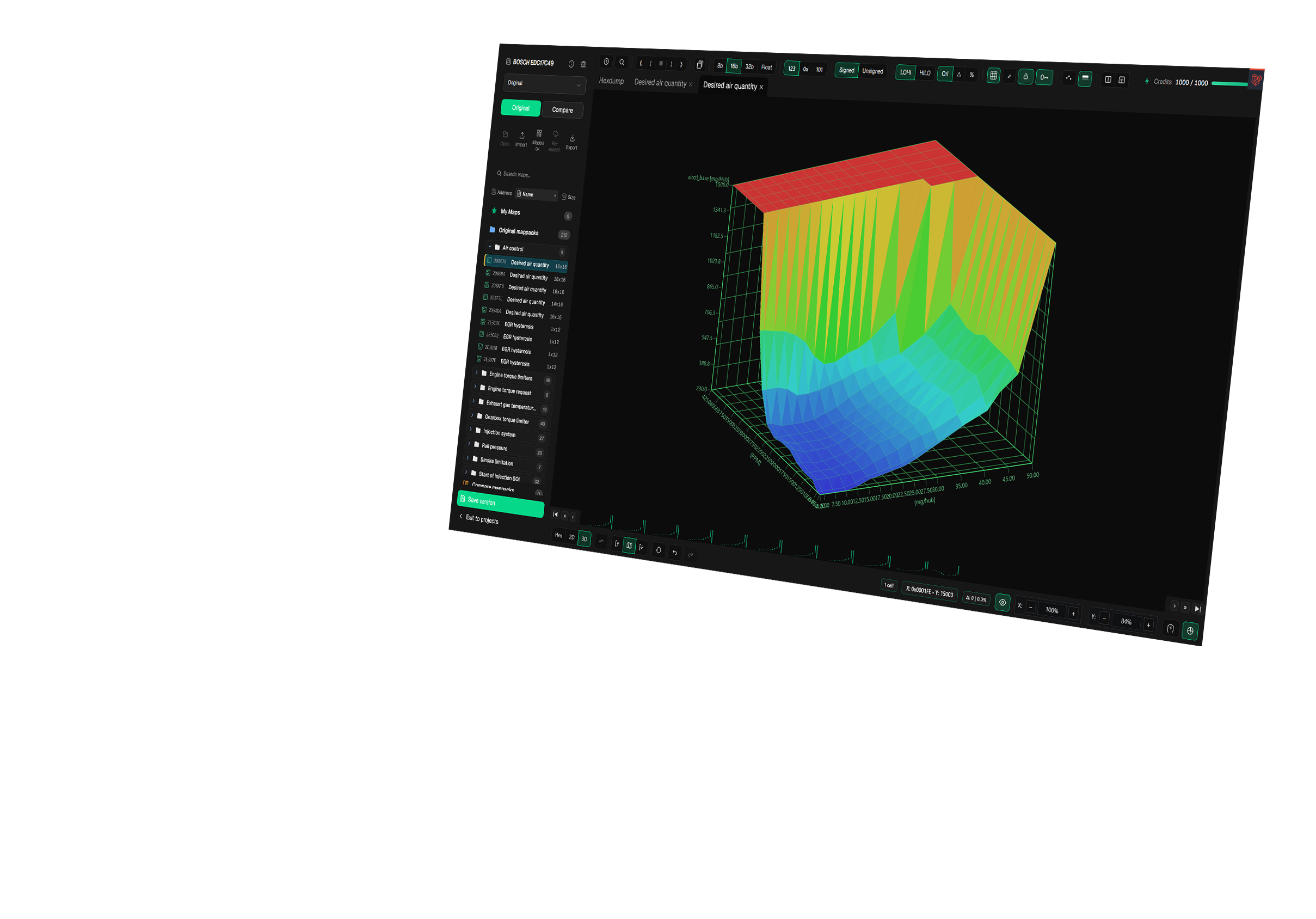
58 automated modules, two million validated solutions, eight hundred and fifty supported ECUs. Built on the same engine that powers our web platform with no dongles, no hardware locks, and no installs.
Twenty years of tuning knowledge, shaped into a browser based platform with a live solution library that grows every week.
The exact same module library available in the Autohex web platform. Browse, filter, and see operational notes pulled from our live database.
Switch between Autohex editor workflows from the top controls. Each tab is ready to use a video once your feature clips are uploaded.
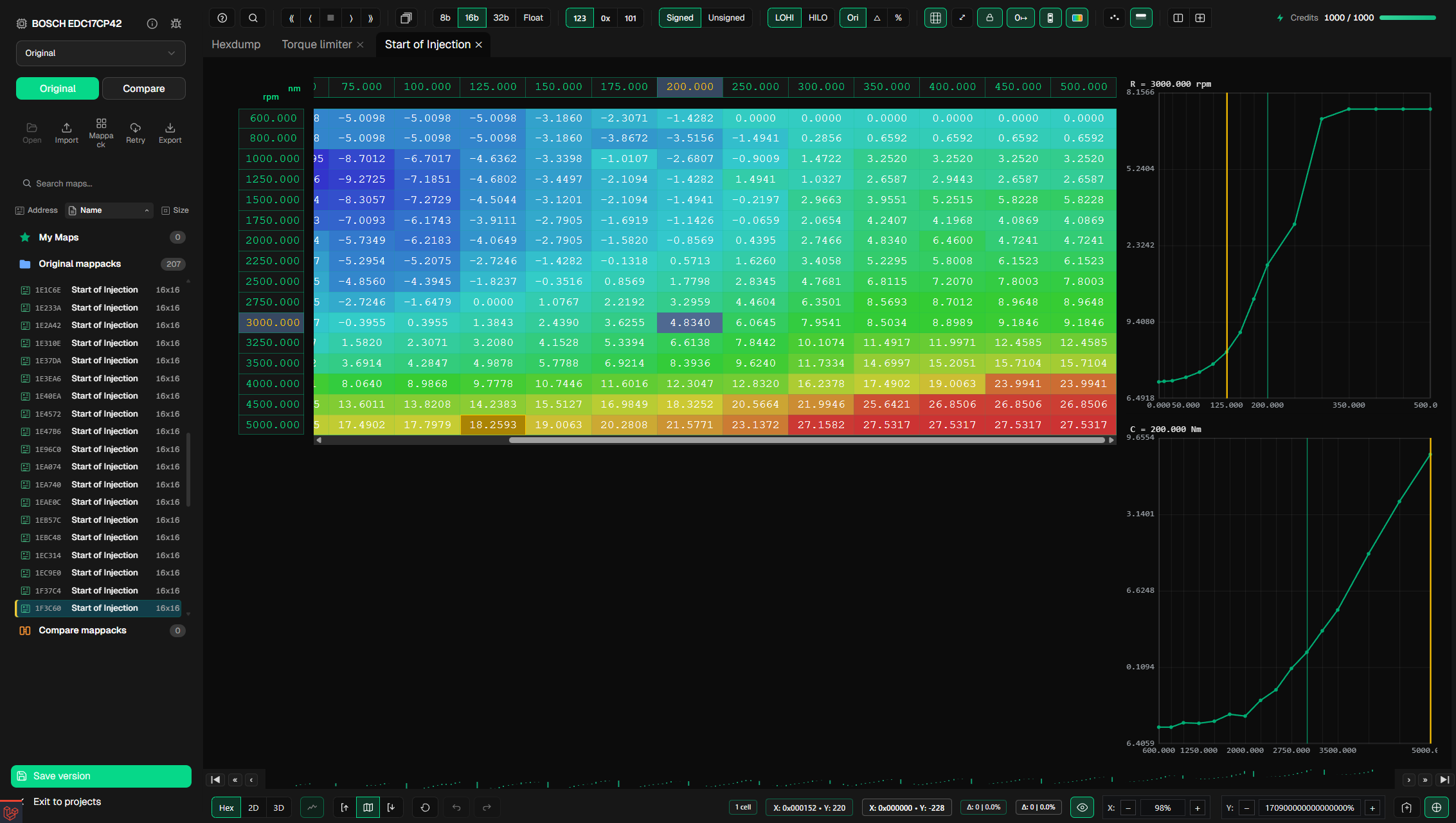
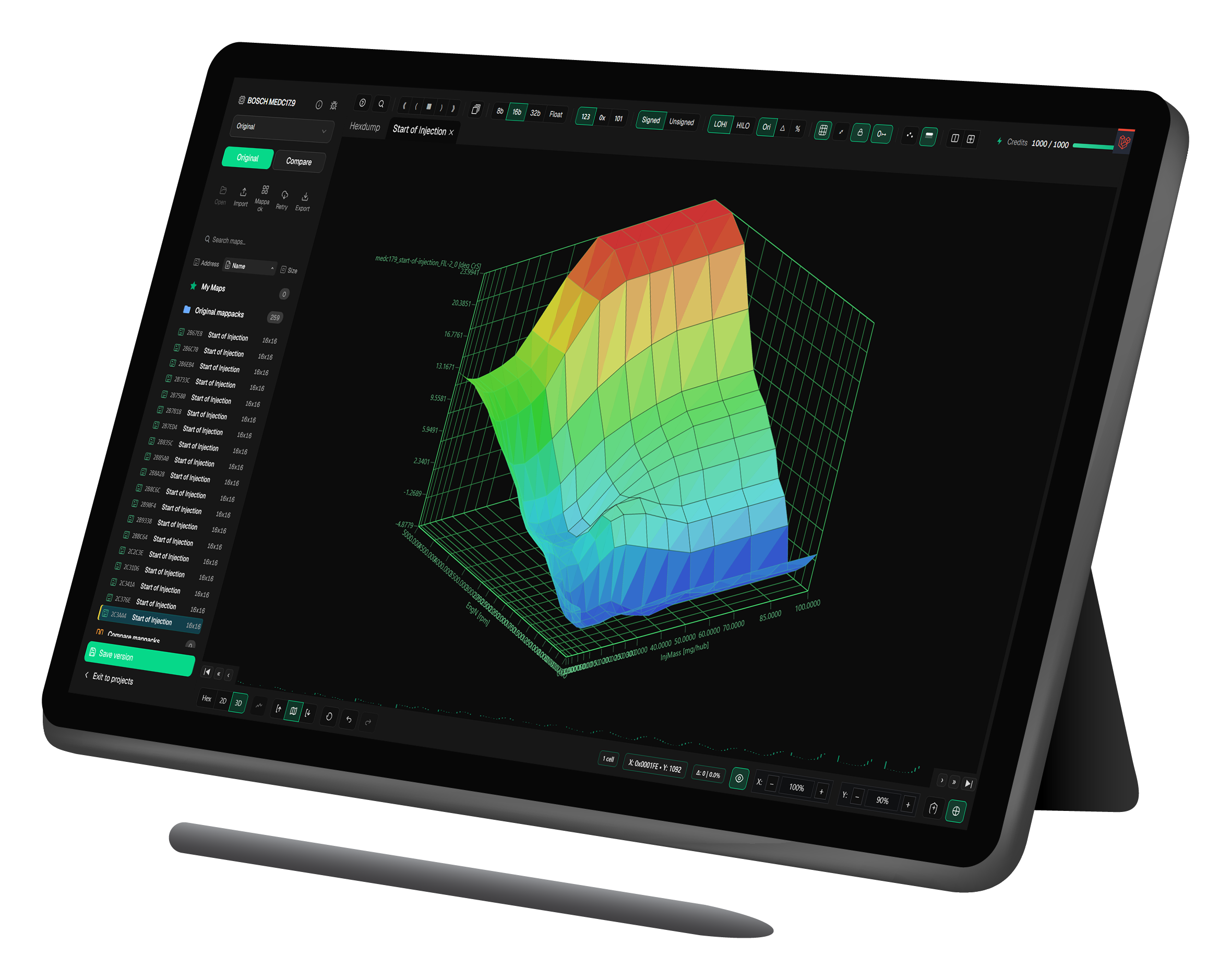
Autohex is a fully browser based map editor, compatible with all major operating systems and modern browsers, so you can work from virtually any device without installing software, drivers, dongles, or licence managers. Open your account from Windows, macOS, Chrome, Firefox, Opera, Explorer/Edge, tablets, laptops, or mobile devices and continue your workflow wherever your file provider service needs you.
Projects stay available through the web platform, giving tuners and file providers the flexibility to check files, edit maps, apply solutions, and keep moving while away from the main workstation.
 Windows
 macOS
Browsers
macOS
Browsers





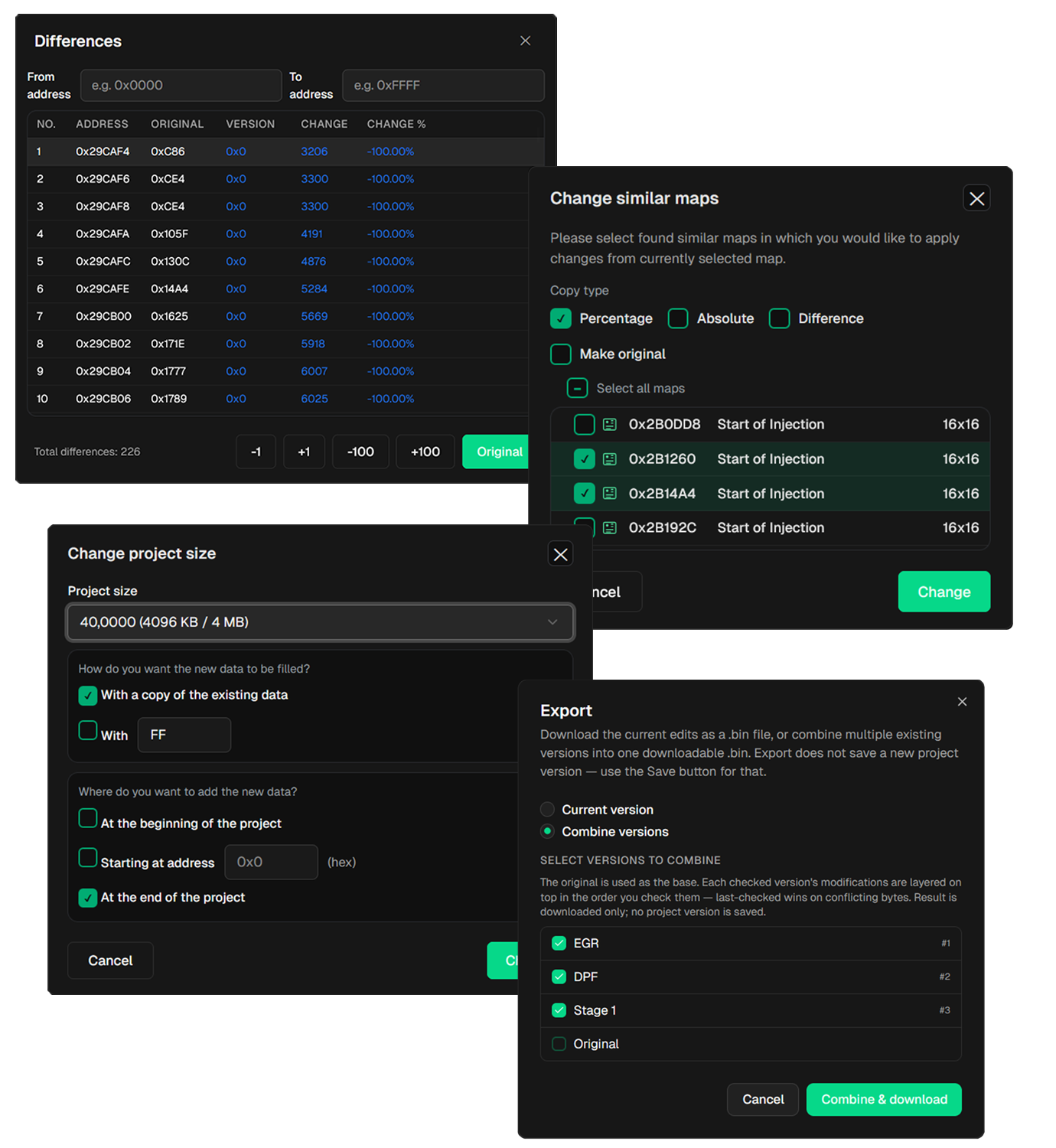
Autohex modal windows show the task in front of you before anything is applied. Review changed addresses in Differences, choose which similar maps receive copied values, and confirm file options with the same focused workflow inside the editor.
Change project size makes it clear how new data is added to a file. You can fill the added area with a copy of the existing data or a chosen byte value, then place that data at the beginning, at a specific address, or at the end of the project.
Export Combine also keeps version choices visible, so file providers can build the correct downloadable result from selected project versions without jumping between separate tools.
Autohex gives file providers clear comparison tools for checking software versions, validating changed areas, and moving proven edits into the correct target file.
Split map compare Compare one file against another software version, review the differences in a clean split view, and port selected map changes from one version to another with the surrounding data still visible.
Split Hex compare Open two Hex views together to inspect address and byte changes, then transfer the required edits, map areas, or calibration changes between software versions directly from the Hex workspace.
Linked Hex and 2D view Work with Hex and 2D views linked in one workspace. Highlighting data in Hex highlights the matching 2D map area at the same time, making it faster to verify addresses, values, and map structure.
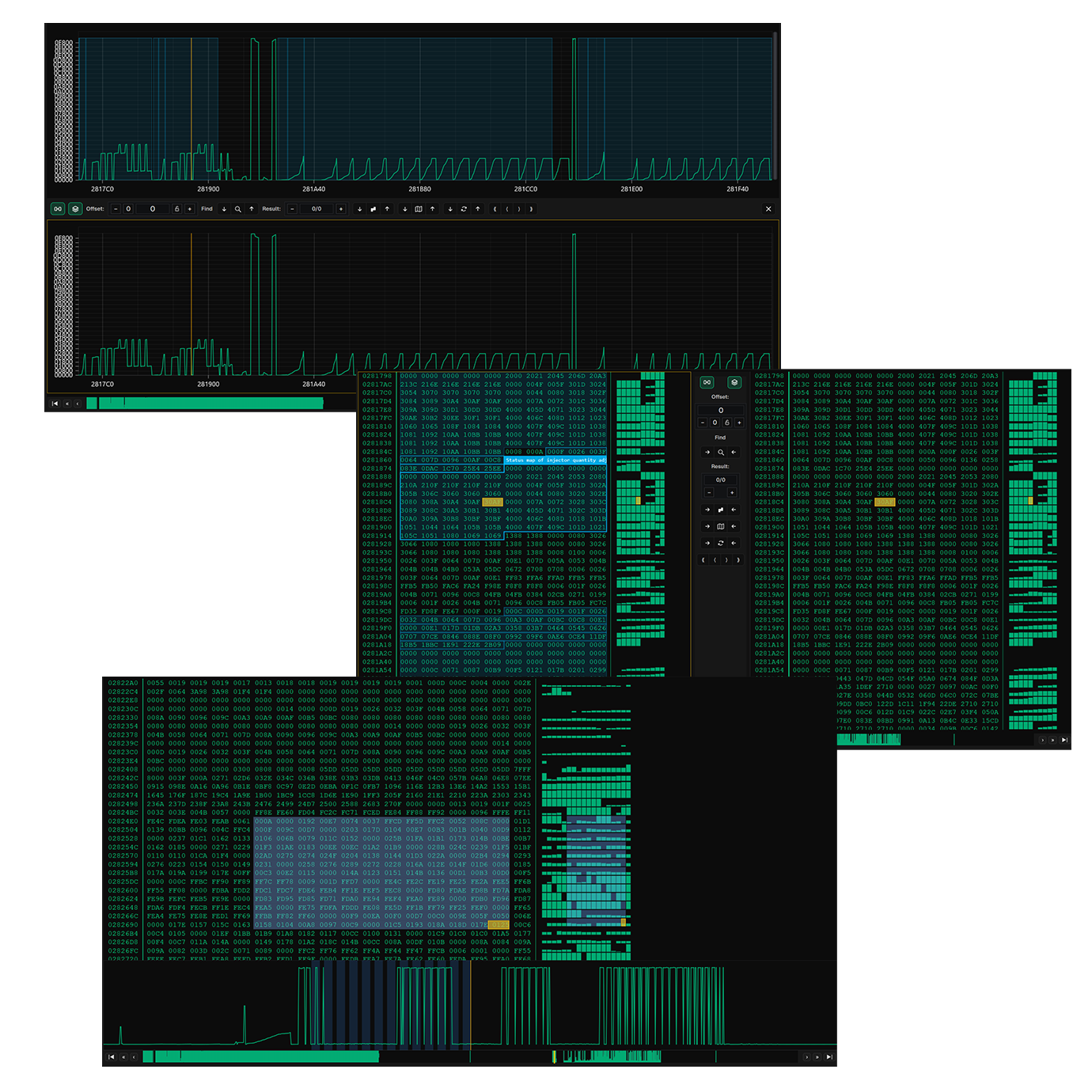
Twenty years in the tuning industry taught us what file providers actually need, and what they are tired of paying for. Autohex was built around those answers.
Browser based, no dongles, no per device licensing. Run Autohex from any computer, tablet, or phone, even simultaneously if you need to.
Your subscription is yours. We never block, throttle, or limit accounts based on usage patterns. Share and resell freely.
Subscribe and start tuning immediately. No shipping waits, no activation calls, no IT setup. Just sign in and work.
Subscribe monthly or yearly. Yearly plans save 15%. Cancel any time. No dongle, no hardware required.
Get Autohex platform updates, new ECU support, module releases, and tuning workflow news straight to your inbox.